
Missed an upgrade notification? Expecting an upgrade and it doesn't appear?
Sometimes you read in blogs and WordPress groups that a theme or plugin has received a version update, but you don't get a notification in the admin interface. This problem usually occurs in premium (commercial) themes and plugins that rely on a custom update system.
This fault usually occurs in premium (commercial) themes and plugins that rely on a custom update system.
If you run into this problem, here is a simple method to force WordPress to check for new available updates.
Force Plugin Updates Check
To force WordPress to check for newly available updates, install and activate the plugin Force Plugin Updates Check from the WordPress plugin directory.
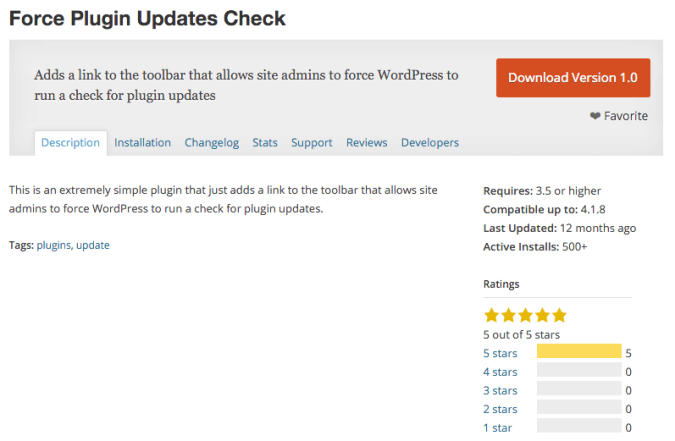
The plugin performs the operation for plugins and themes
After activating the plugin, hover with the mouse over The upgrades icon In the top bar of the WordPress dashboard, and click the new button Check for Plugin Updates.
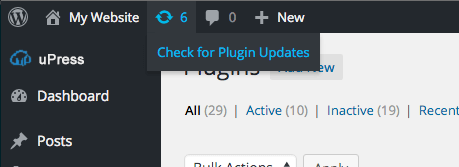
The page will now refresh, and if there are any updates available they will be displayed. Yes, it really is that simple.
A short explanation
Normally your site "phones home" to the wordpress.org servers, but at pre-defined times and at long intervals.
Sometimes this does not happen when we expect it to and our WordPress site does not find new available updates; you can force it to "phone home".
We do this using the Force Plugin Updates plugin, and this actually saves you the waiting time and the hope that the update will appear in the dashboard.
