Our digital equipment – computers, tablets, mobile phones, etc. – has long served more as a platform through which we access a variety of systems, information and services, and less as a tool that holds information itself. Perhaps that is why there is a tendency to forget that physical access to the devices themselves, or to our tangible work and living environments, has been and remains among the biggest cyber risks. Whether there really is something in the "cloud" that creates an illusion of detachment from the device itself, or whether the explanation is something else, in practice this area is being neglected.
Any unsupervised access to our offices, workrooms, communications rooms, and sometimes just the lobby, may be dangerous, provided that someone has the motivation to attack us. Shared spaces, cafés and businesses that receive the public make things easier for anyone seeking to attack, but even leading organizations are exposed to it. The fact that we have invested in important defense systems such as EDR / XDR systems and firewalls at the network and application levels will not be enough in many cases.
The purpose of this blog is not to put you in isolation or to stop employees from letting a Wolt courier cross the doorstep, but to raise awareness and attention. We will demonstrate two basic attack channels that are worth paying attention to. These are not sophisticated and expensive attacks, but the use of basic equipment that can sometimes be bought cheaply.
The chargers

You have no idea what your chargers look like (for mobile, laptop, tablet, desktop and so on), the ones you use day to day. Even if that is not the case, the chance that you will notice that your charger has been replaced is very low. Malicious charger is a smart device that looks like any of our chargers (it can be ordered in almost any shape and model), and the simple models start at a price of just tens of dollars. A charger that looks innocent may contain malicious components that allow data to be siphoned off (passwords, login details, keystrokes and more), eavesdrop on user actions, and harm sensitive organizational information even without injecting any visible malicious code into the operating system. Advanced security systems such as EDR, assuming you have installed one, focus on detecting suspicious behavior and malicious code, so they may fail to detect a device that performs only physical spying actions. In short, if an attacker managed to replace your charger, or if from the start this is the "charger" you purchased, you have a problem.
Awareness, caution and suspicion are probably the way to deal with most risks, including this one. The chargers of the organization's employees should come from reliable sources and reputable suppliers. The fact that the owner of the stall below the office is a "great guy" says nothing at all about the party that supplies him with the chargers he sells. Even a primitive method such as marking chargers in a unique way, for example with a small, seemingly accidental sticker, will help with quick identification and with realizing that the original charger has been swapped. Of course, the physical environment of ours and of the organization's employees should be restricted to outsiders, and be supervised and monitored (subject to legal limits). If the organization is one that by nature receives the public, it is worth ensuring that guests have no physical access to the service provider's systems. If devices are charged in public places, it is worth using a USB Data Blocker (a small device that costs a few dollars) designed to prevent data theft while charging, but the "blockers" themselves are also sometimes malicious devices. In short, be aware and alert.
Malicious USB devices
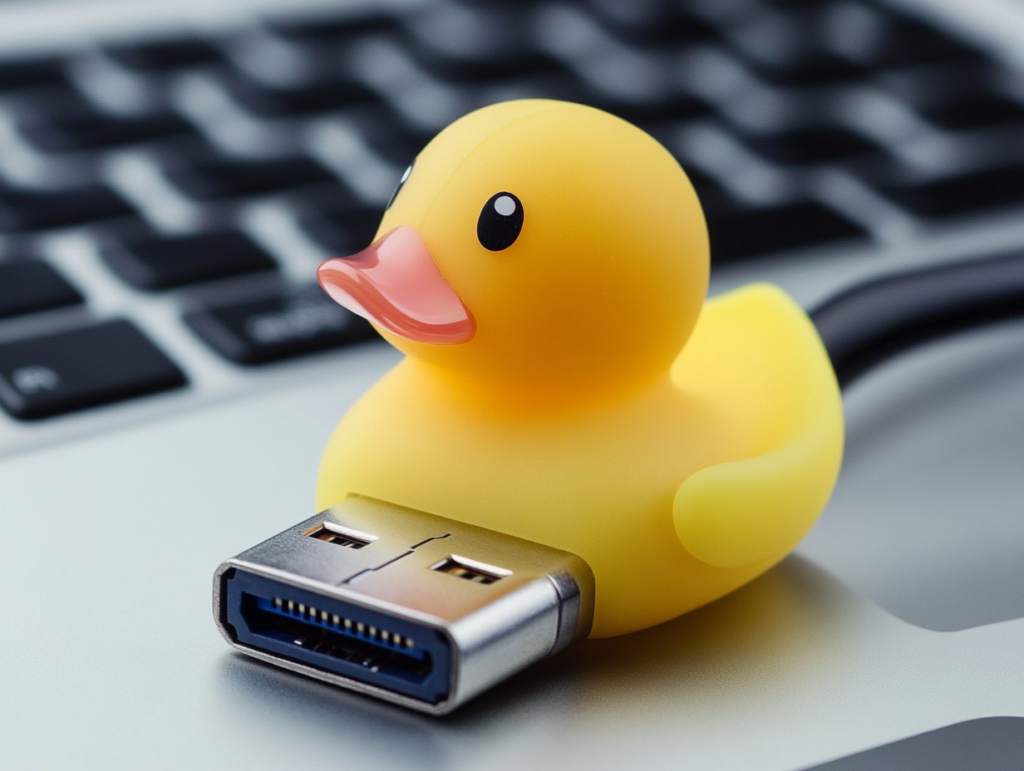
What could be simpler than "pushing" a small USB device into our computer. A second and a half at most. Malicious USB devices such as the USB Rubber Ducky They look like regular USB devices, except that they contain malicious code that is activated when connected to a computer. They are able to inject viruses, steal passwords, prepare the ground for an attack and more. Locking the use of USB ports on computers in the organization, or restricting it to authorized users, by means of device access management software, will significantly reduce these risks. However, sophisticated tools and attackers know how to impersonate legitimate devices, and above all – experience teaches that it is not advisable to rely fully on logical restrictions and settings. In many cases it turned out that the blocking was not airtight and workarounds were found. Do yourselves a favor, and find ways to ensure that the USB devices on your computer and on those of your organization's employees are truly yours.
In summary, In an era in which digital protections become more sophisticated every day, we must not forget that the foundation of security begins with physical access to the equipment itself and to the work environment. Unauthorized access to a computer, to the communications cabinet, or even to a simple charger can turn out to be a big mistake. Penetration tests for organizations, formal or informal, should also take the physical risks into account and offer combined solutions that ensure your equipment stays safe, even in the physical world. Awareness, caution and suspicion are the first lines of defense, and they can make the difference.